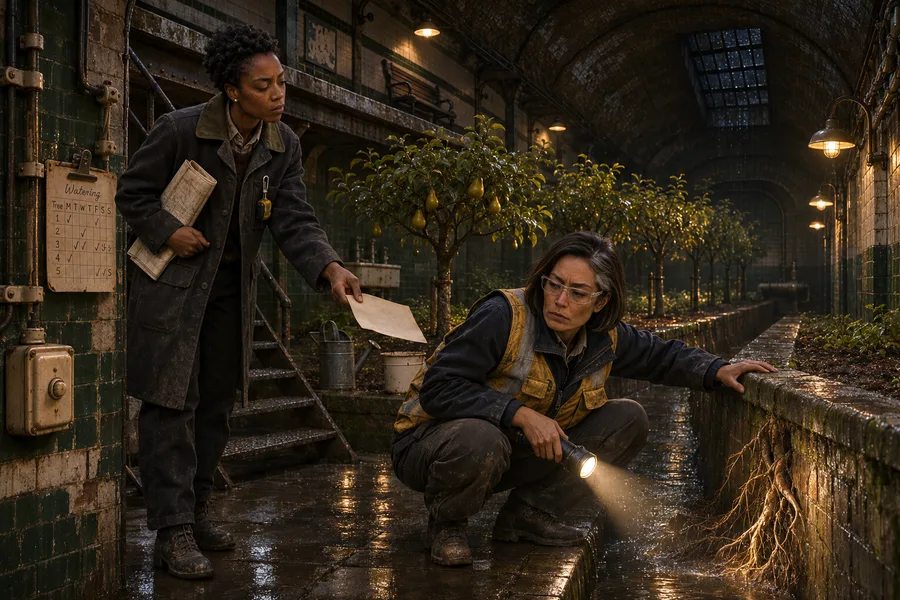
Novel
Before you draft the next chapter, bring up what your character decided and who knows about it.

Where conversations become worlds.
The Story Room is a subscription service that plugs into ChatGPT. Add the plugin and keep talking the way you already do.
Connect The Story Room to ChatGPT and keep talking the way you already do. When the conversation lands on something worth keeping, ask ChatGPT to save it to your world.
It gives the ChatGPT subscription you already use another purpose. A conversation can leave you with a world you can come back to and keep building.
Save the scene we just worked out.
Maybe you know how a scene starts or what a character finds. Talk that through in ChatGPT. As the idea takes shape, ask it to save the scene and the details you settle on.
You can open the scene again later and work from those decisions. The conversation is where you figure them out. The Story Room gives ChatGPT a place to keep them.
Ask ChatGPT to connect a scene to the people in it, the place it happens, and the events that lead to it. When you return to the scene, those details come with it.
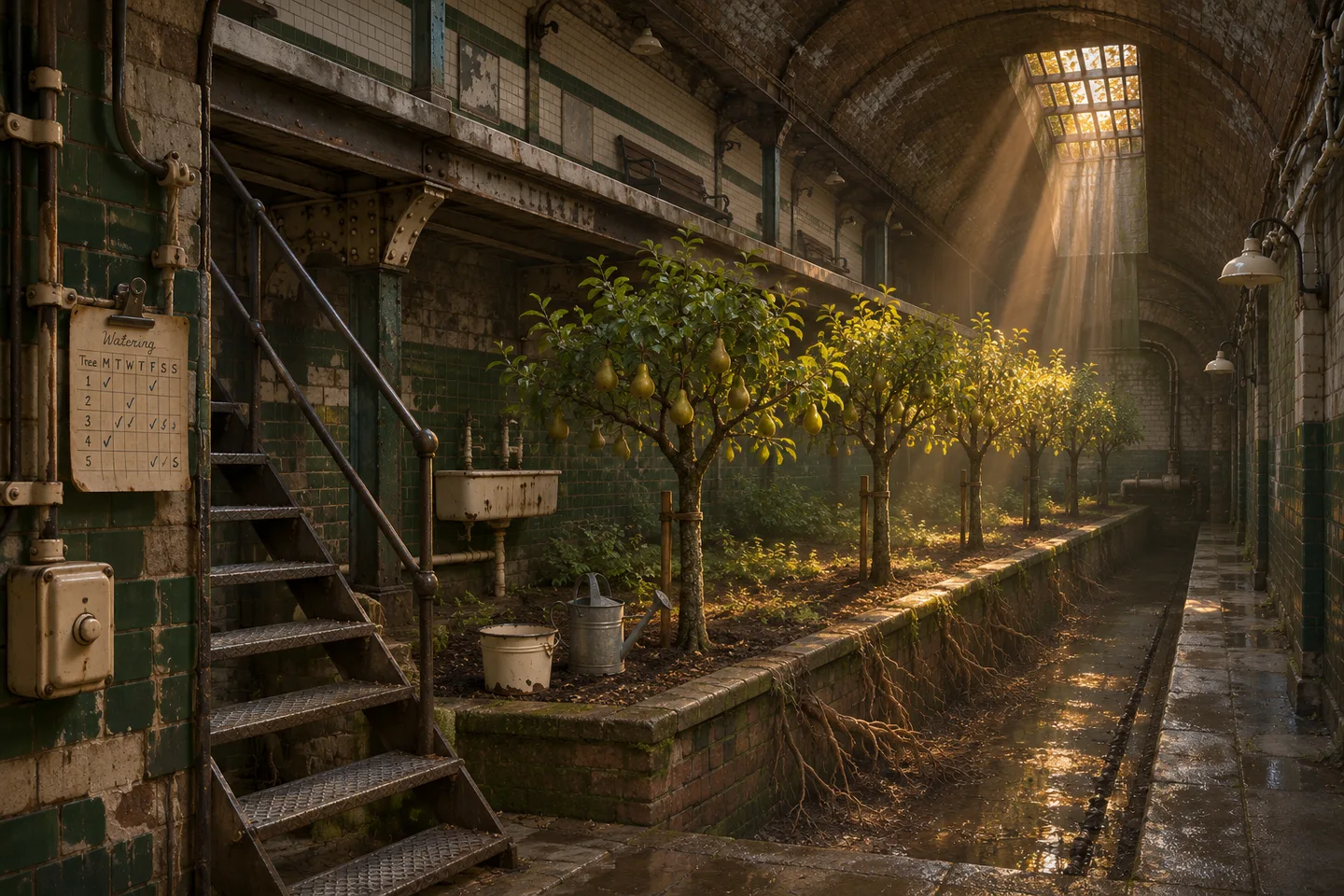
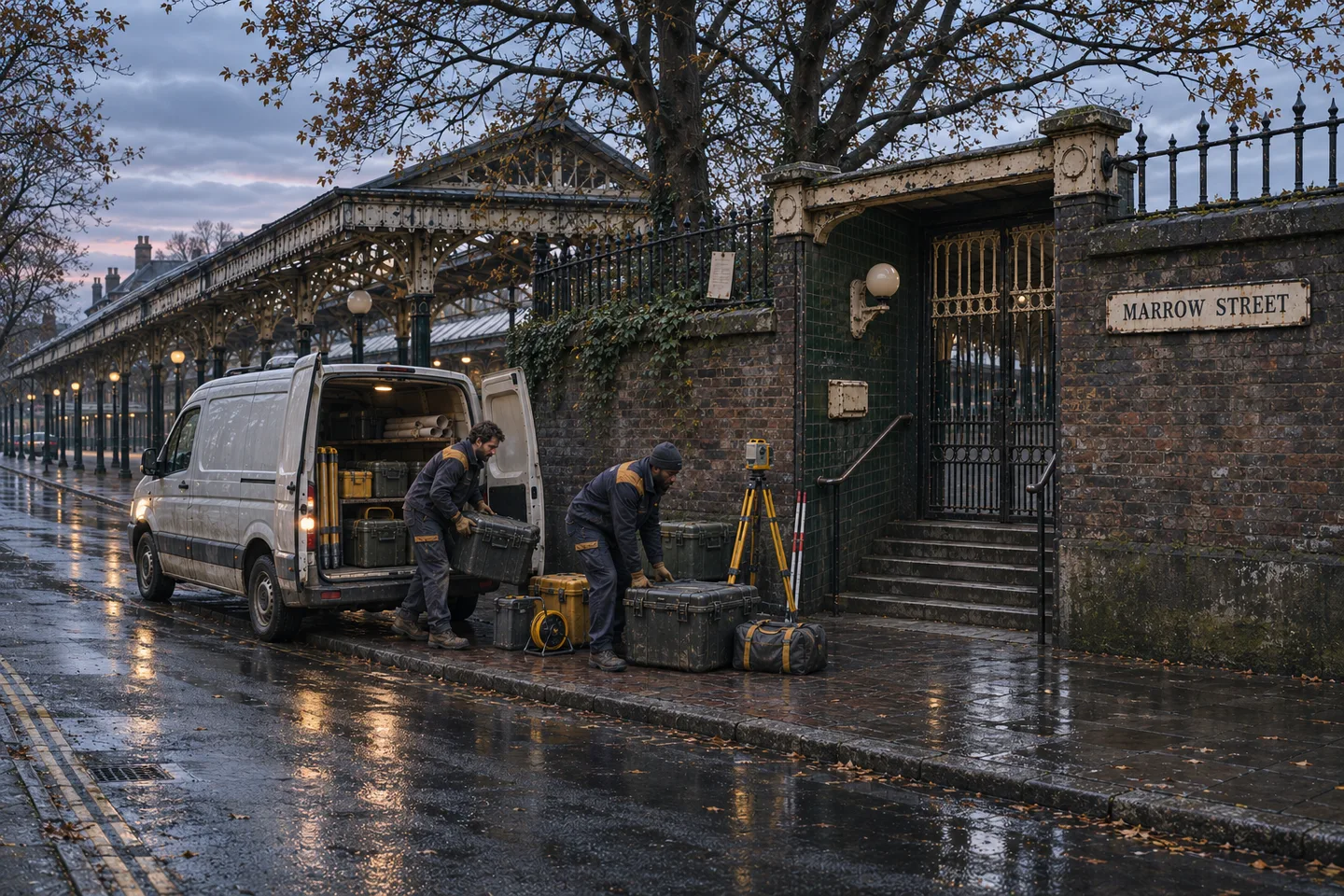
Before you write the next scene, ask ChatGPT to bring up the location and the people connected to it. You can carry those decisions forward without putting together a separate set of notes.
If you’ve already been working on a story, ask ChatGPT to bring together what it can access from earlier conversations, drafts, and sources you’ve connected, including Google Drive.
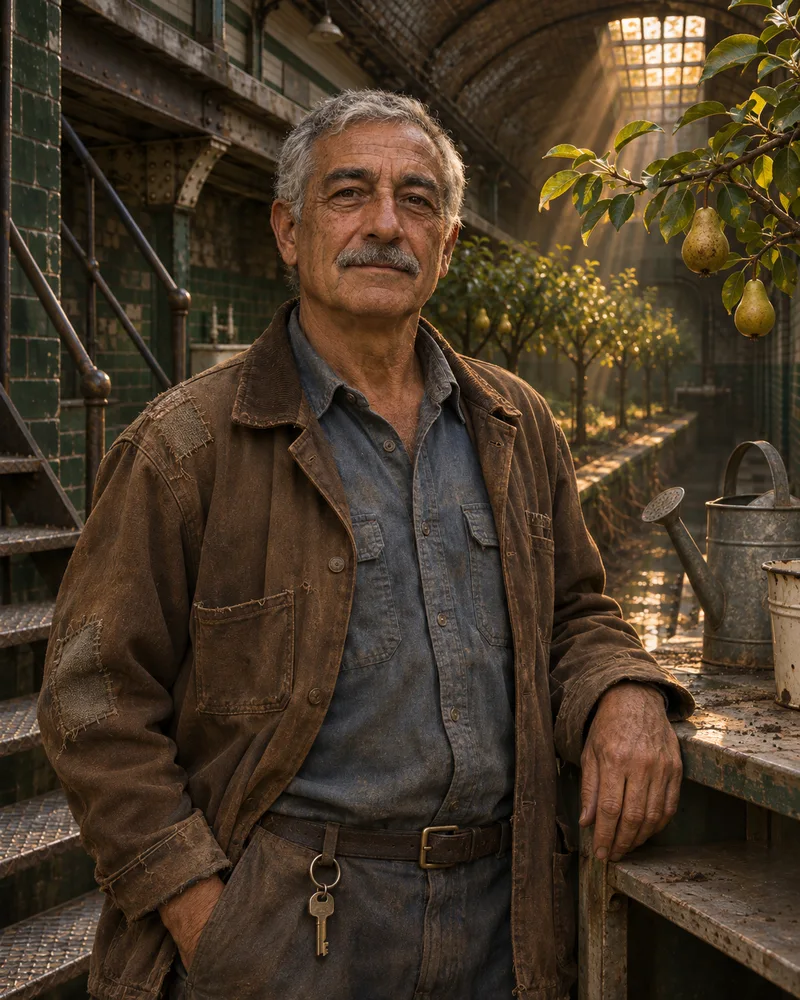
Dan had been talking through his story in ChatGPT for two years. He connected the plugin and asked ChatGPT to put his story in it. ChatGPT drew from those conversations and the treatment, completed Act One, and character package it could access in Drive.
As he kept talking, ChatGPT kept adding to the same world. He could open the workspace and see how it all came together.
“I’m still just using chat like I always did.”
When you want to see what ChatGPT saved, ask it to open the Story Workspace. You can read the scene’s summary and check what’s linked to it from the conversation you’re already in.
Open the timeline to see events in story order. If you move a discovery earlier, tell ChatGPT what it should come before, then check the order in the timeline.

Follow a link in the relationship graph to see what else it touches. If a scene is missing its location, ask ChatGPT to connect the two. You can check the link in the graph and keep working in the same chat.
See the workspace
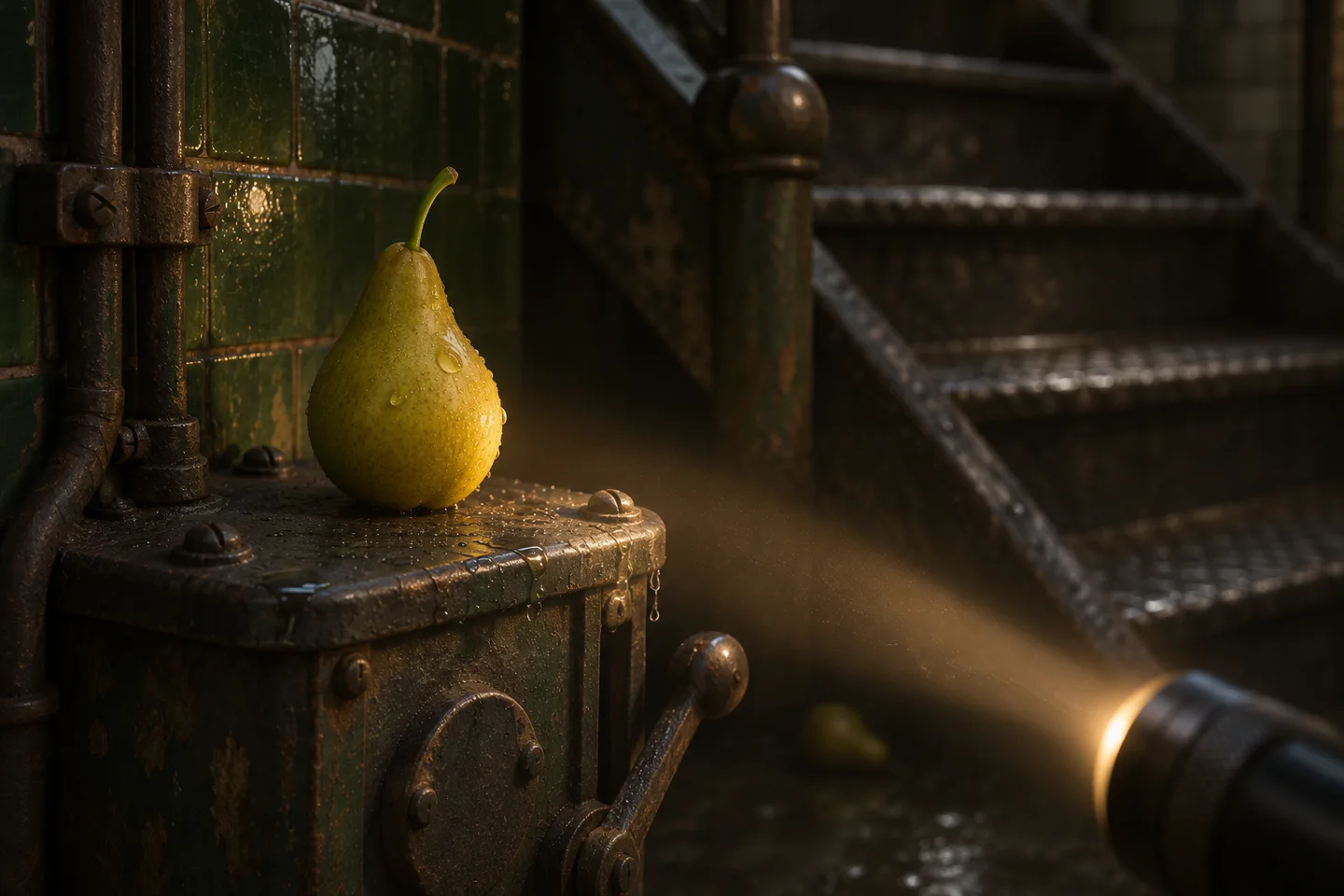
Ask ChatGPT to draft a prompt for the next shot using the saved character reference, the location, and what just happened.
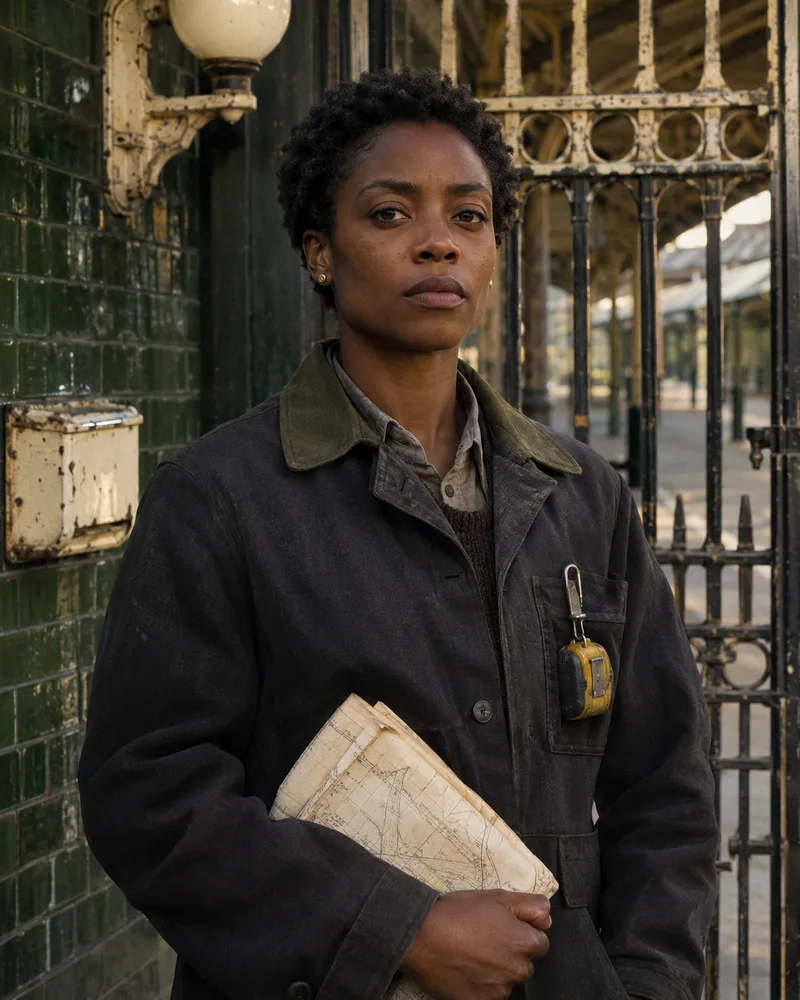
Example next-shot prompt
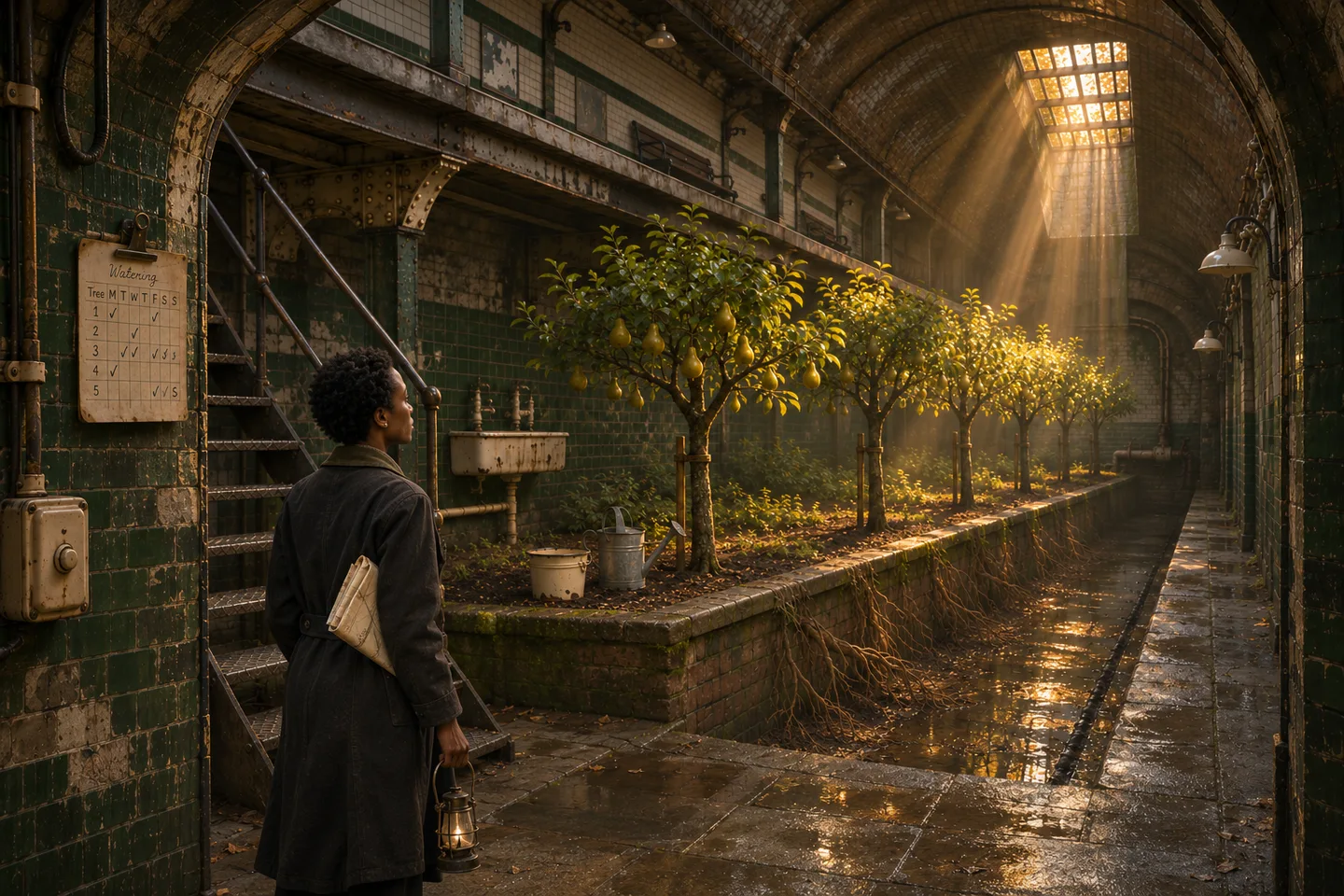
Open just after the surveyor reaches the orchard. Follow her past the first row of pear trees. Keep her coat and folded field map from the reference, with light falling in from the shaft.
Before you draft the next chapter, bring up what your character decided and who knows about it.
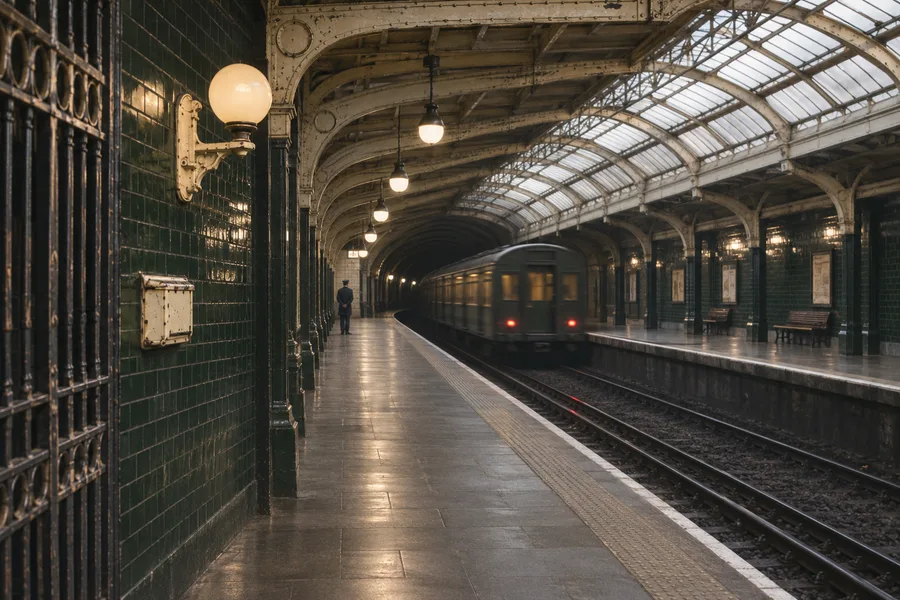
Bring back a clue the party found, an NPC they met, or a choice they made sessions ago.
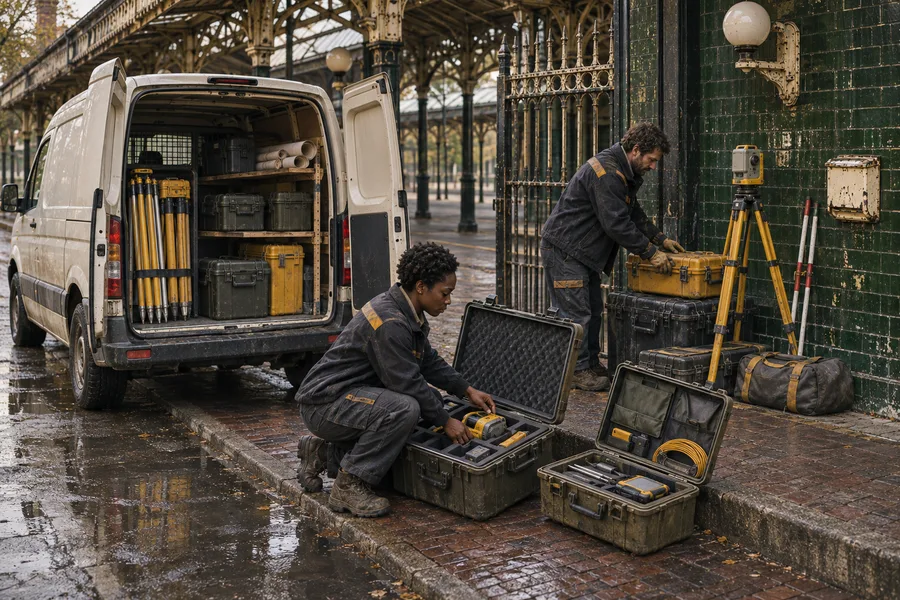
Use the same setting, cast references, and approved beats as you plan each shot of the spot.
Invitation requests are currently closed.